About This Brush Pack
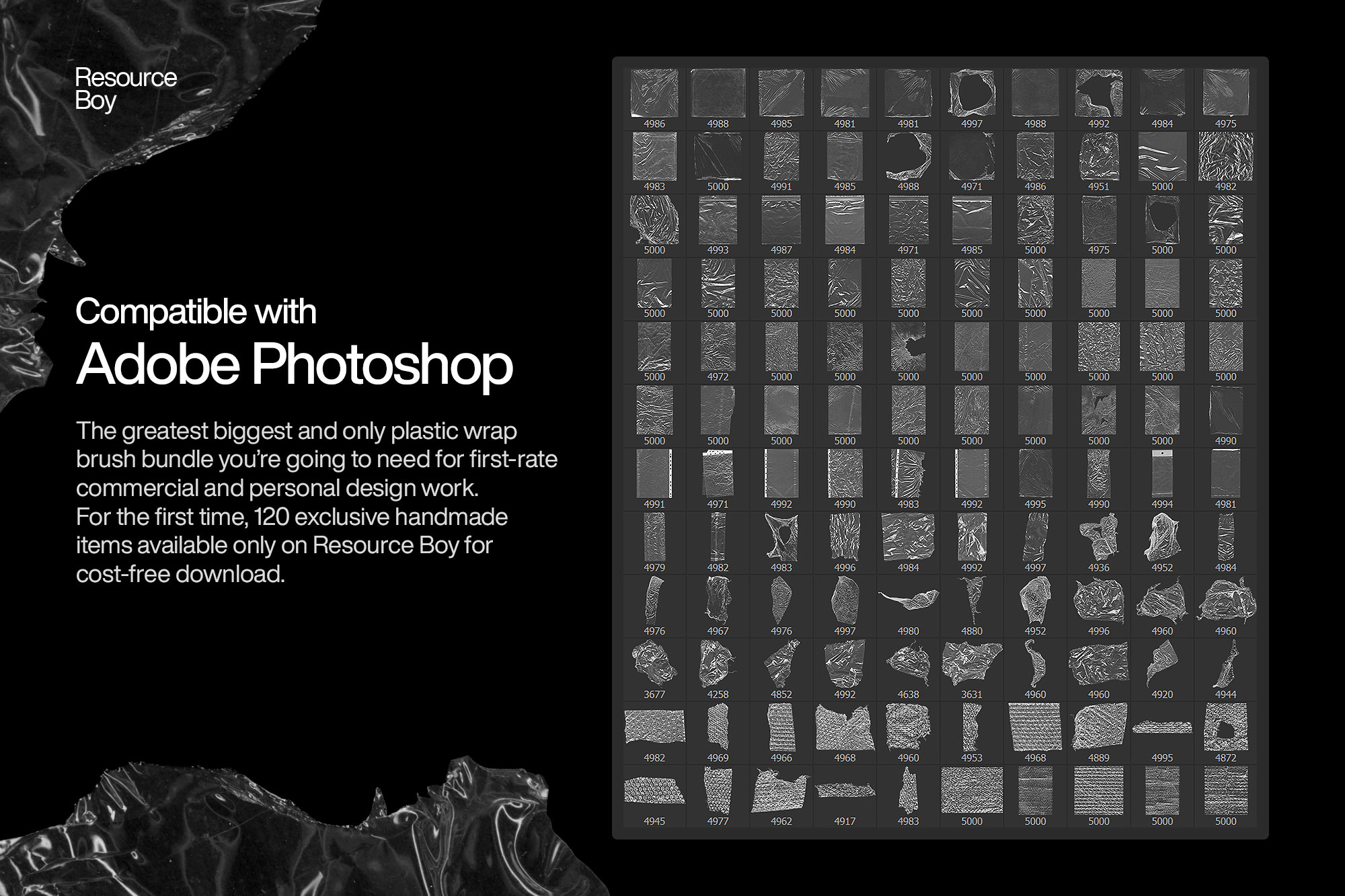
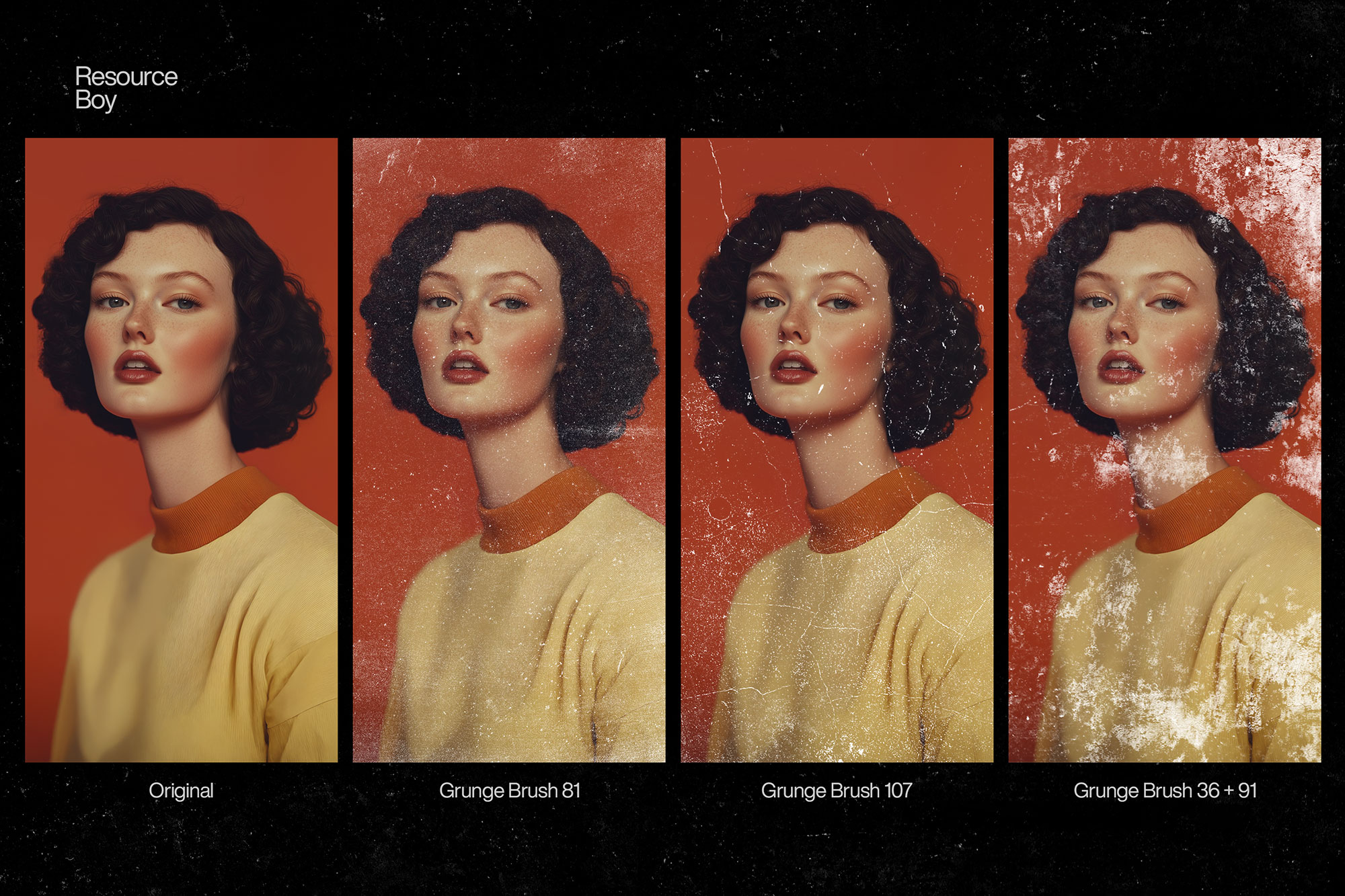
Torn paper brushes are one of the most practical texture brush types for graphic designers working in editorial, poster, and collage aesthetics. This pack of 100+ brushes covers every torn paper variation: clean straight tears through newsprint and magazine stock, rough deckled edges on watercolor paper, kraft paper tears, tissue paper transparency, and layered collage-style paper strip edges. The brushes work perfectly as layer masks — apply them to the edge of a photo or design panel to create the look of torn, layered paper beneath. Combine multiple brushes for complex collage builds, or use single brushes for clean, minimal torn-edge framing.
Best Uses for These Brushes
- ✓ Editorial and magazine layout design
- ✓ Collage and mixed-media art
- ✓ Photo framing and border effects
- ✓ Scrapbooking and album design
- ✓ Vintage and handmade aesthetic branding
How to Install These Photoshop Brushes
- Download the file — Click the download button above to go to ResourceBoy and download the .ABR file to your computer.
- Open Photoshop — Launch Photoshop (CS5 or later, including all CC versions).
- Import the brushes — Double-click the .ABR file and Photoshop will import it automatically. Or go to the Brushes panel (Window › Brushes), click ☰, and choose "Import Brushes."
- Start creating — Select the Brush Tool (B), open the brush picker, and find your new brushes at the bottom of the list.
Tips for Better Results
- Always paint on a separate layer — never directly on your background. This lets you adjust blend mode, opacity, and position non-destructively.
- Experiment with blend modes like Multiply (for dark textures on light backgrounds), Screen (for light effects on dark), and Overlay (for midtone texture).
- Lower brush opacity to 20–50% and build up multiple strokes for more natural, layered results.
- Use Ctrl/Cmd + Z generously — with Photoshop brushes, experimentation is the fastest path to great results.
- A pressure-sensitive drawing tablet (like a Wacom) dramatically improves results with most brush types, giving you natural opacity and size variation.
Frequently Asked Questions
Is "100+ Free Torn Paper Photoshop Brushes" really free to download?
Yes — this brush pack is listed as free. The download button on this page links directly to the original source (ResourceBoy) where you can get the .ABR file. License: Free for personal & commercial use.
What Photoshop version do I need to use these brushes?
These brushes are compatible with Photoshop CS5 and all later versions, including Photoshop CC 2024 and 2025. The .ABR format has been stable across Photoshop versions since CS5.
How do I install "100+ Free Torn Paper Photoshop Brushes" in Photoshop?
After downloading, double-click the .ABR file and Photoshop will automatically import the brushes. Alternatively, open the Brushes panel (Window > Brushes), click the menu icon (☰), choose "Import Brushes," and select your file. The brushes appear instantly in your preset picker.
Can I use these brushes in commercial projects?
License: Free for personal & commercial use. Always verify the license on the source page (ResourceBoy) before using brushes in client or commercial work, as terms can change.