
Grunge Photoshop Brushes
Free grunge Photoshop brushes. Distressed, worn, and dirty textures for gritty designs, urban art, and edgy graphic work.
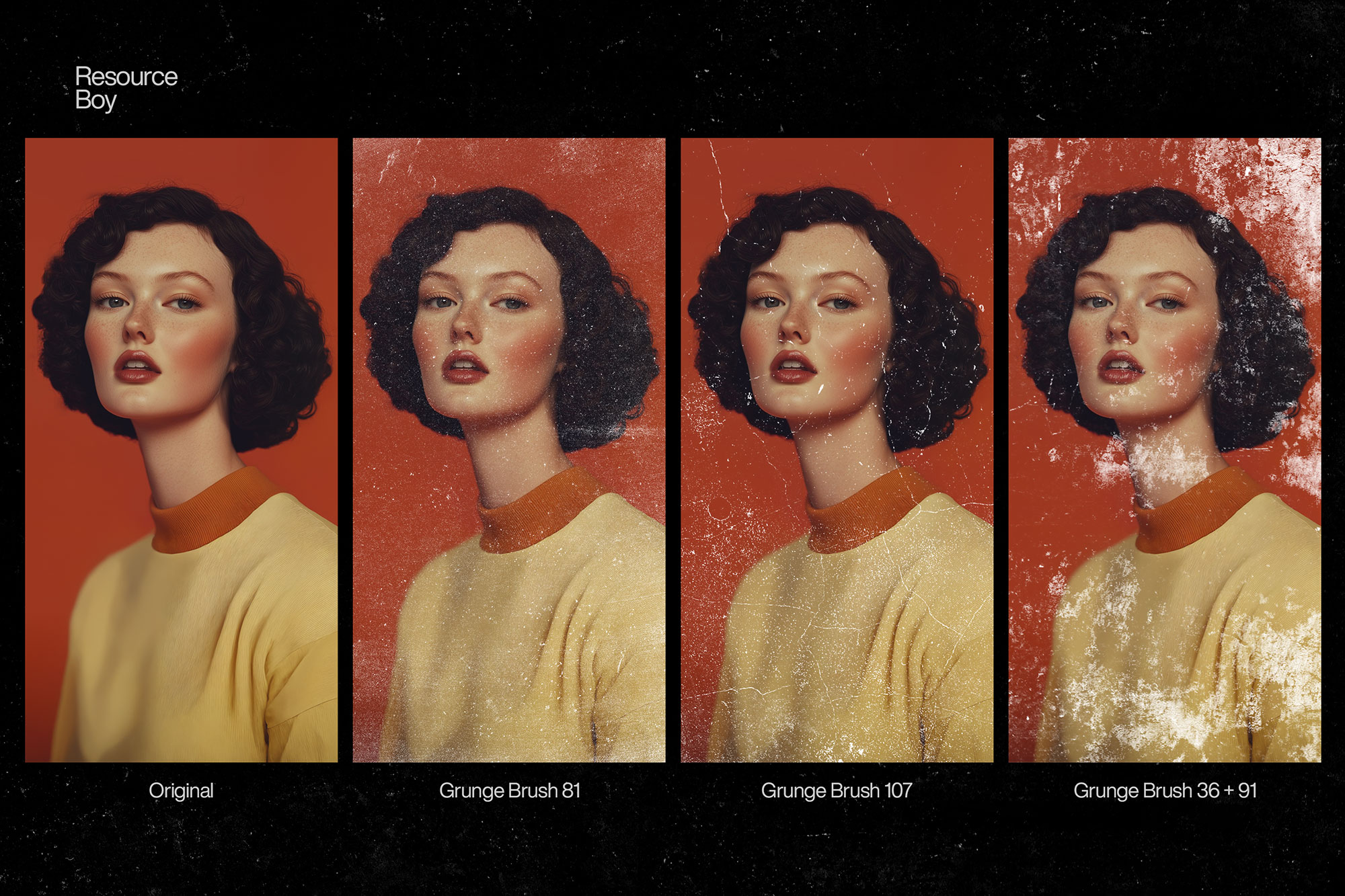
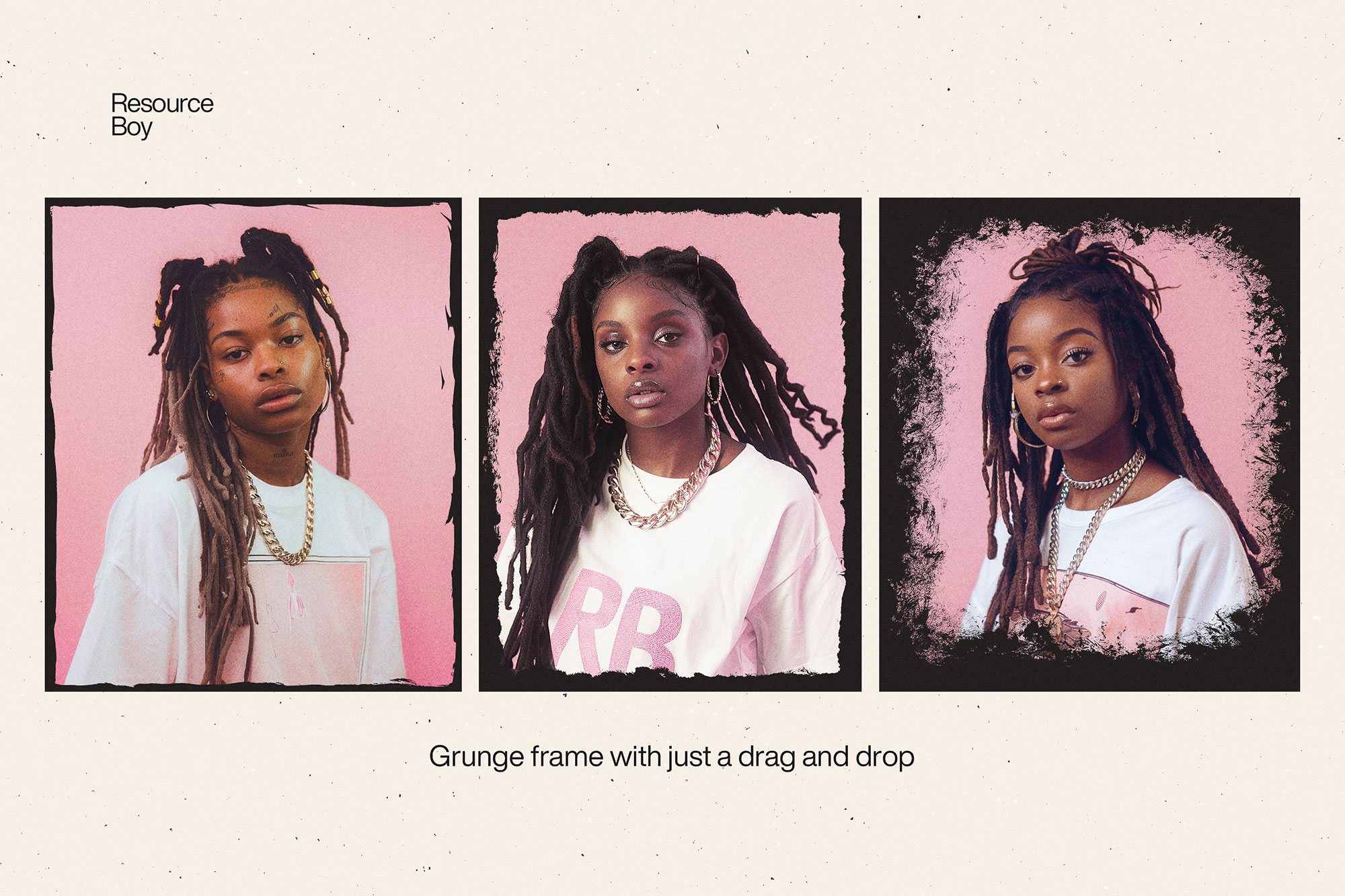
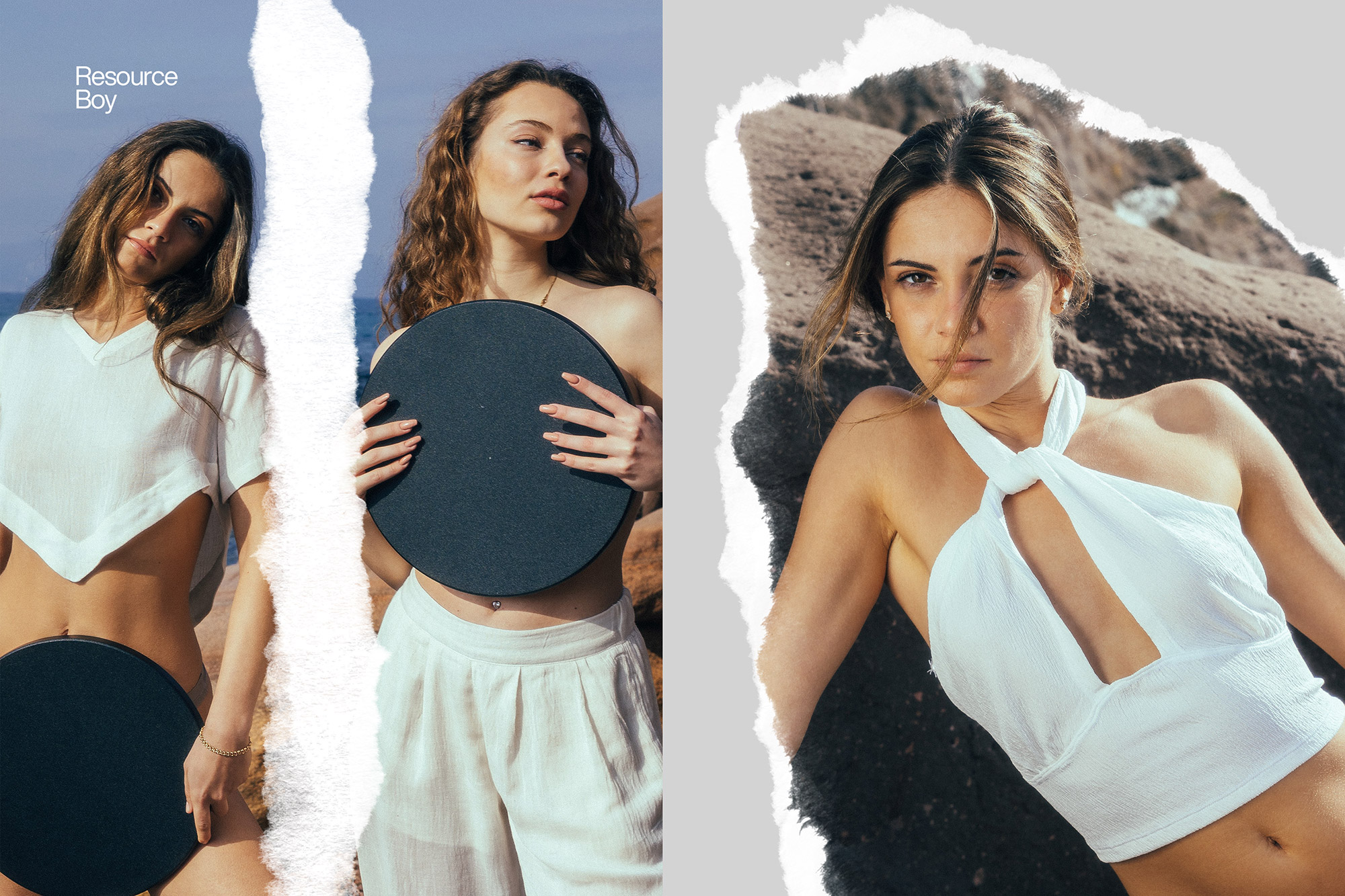
Grunge Photoshop brushes bring a raw, distressed, and weathered look to your designs. These brushes simulate worn surfaces, torn edges, rust, peeling paint, and urban decay — perfect for anything that needs attitude and real texture. Designers reach for grunge brushes when working on band posters, skateboard graphics, streetwear apparel, edgy typography treatments, music festival visuals, and urban photography editing. The right grunge brush can age a design by decades, give clean vector art a hand-crafted roughness, or transform a photo into something that looks like it was printed on vintage newsprint.

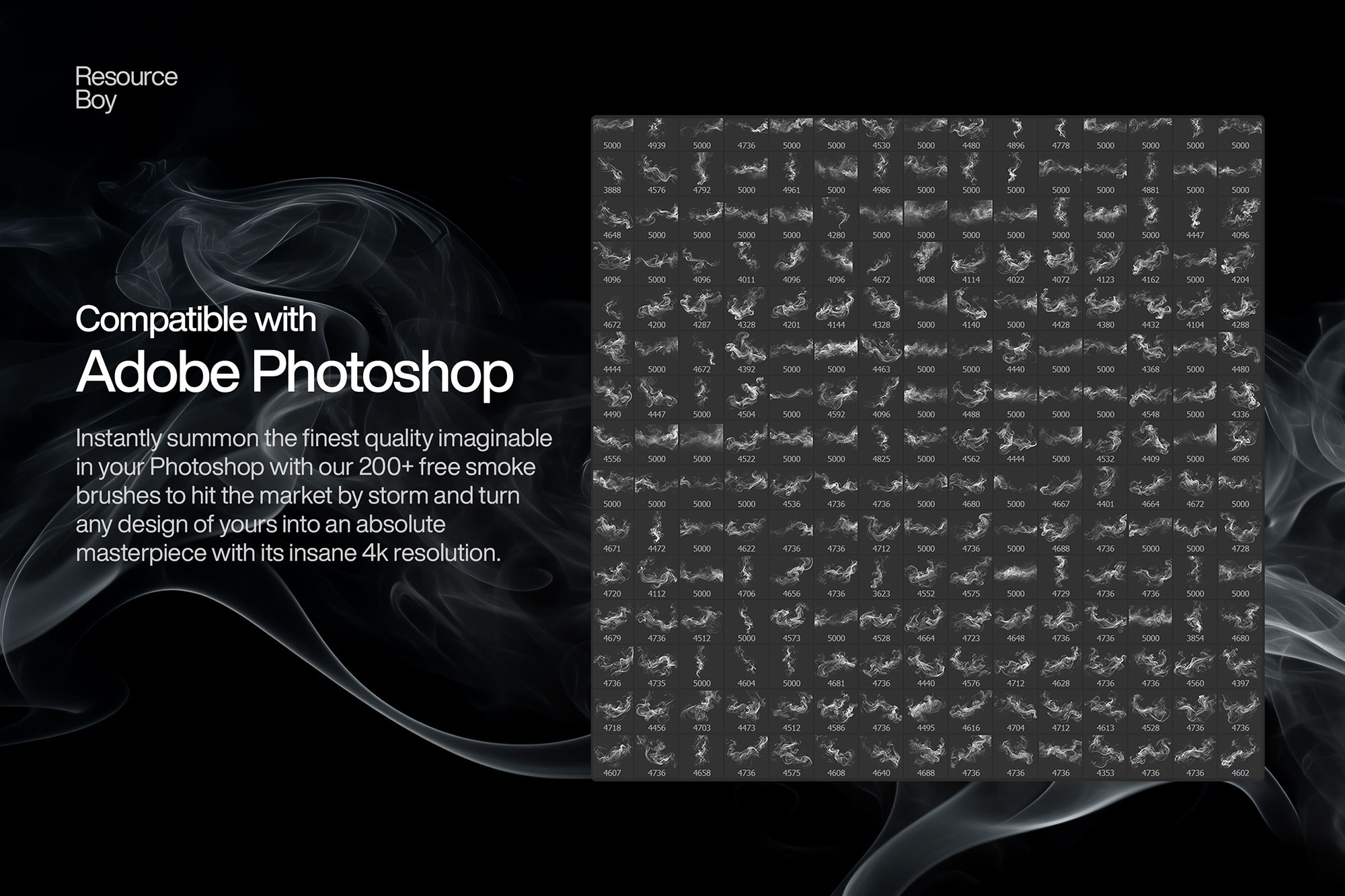
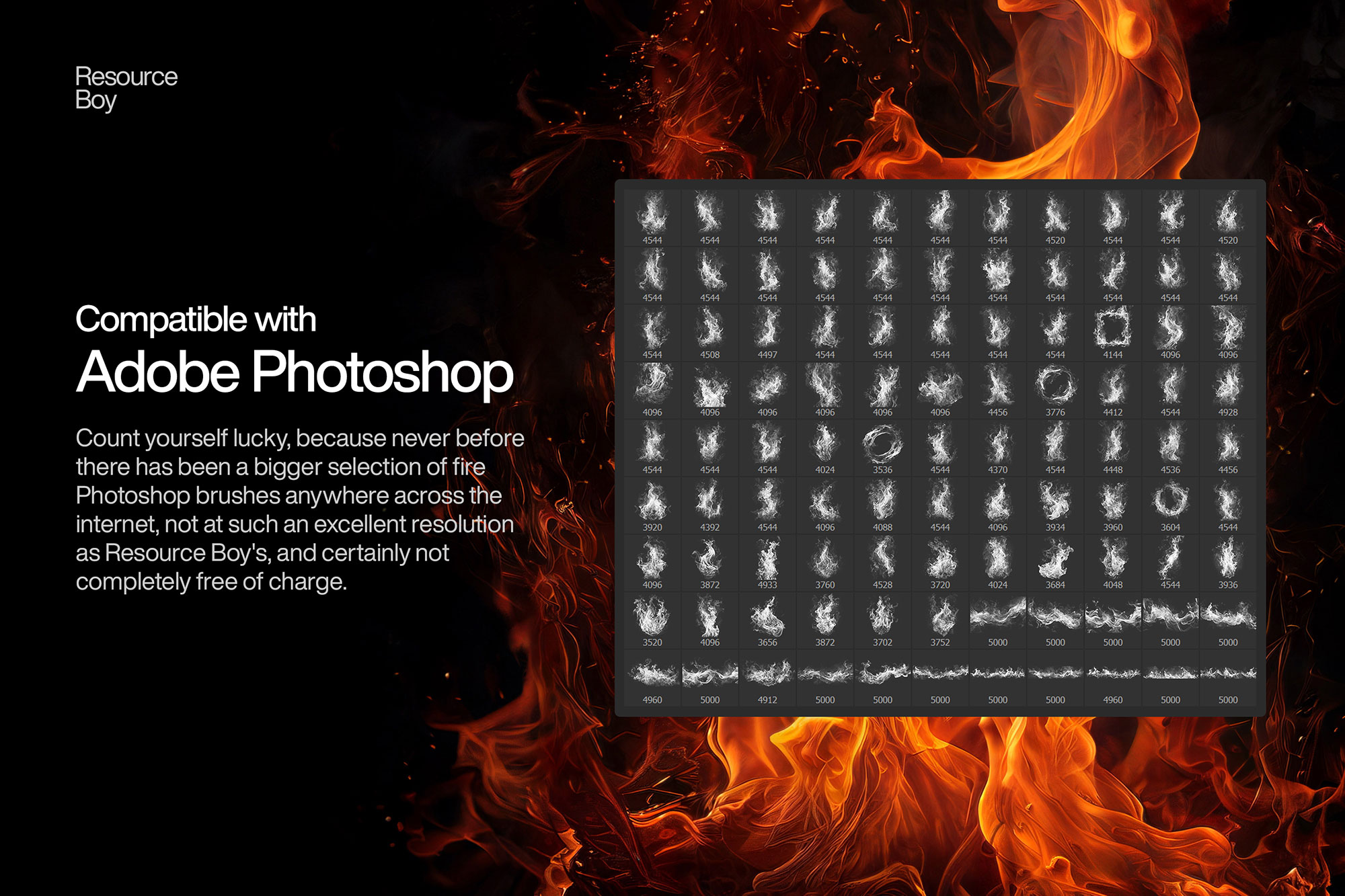
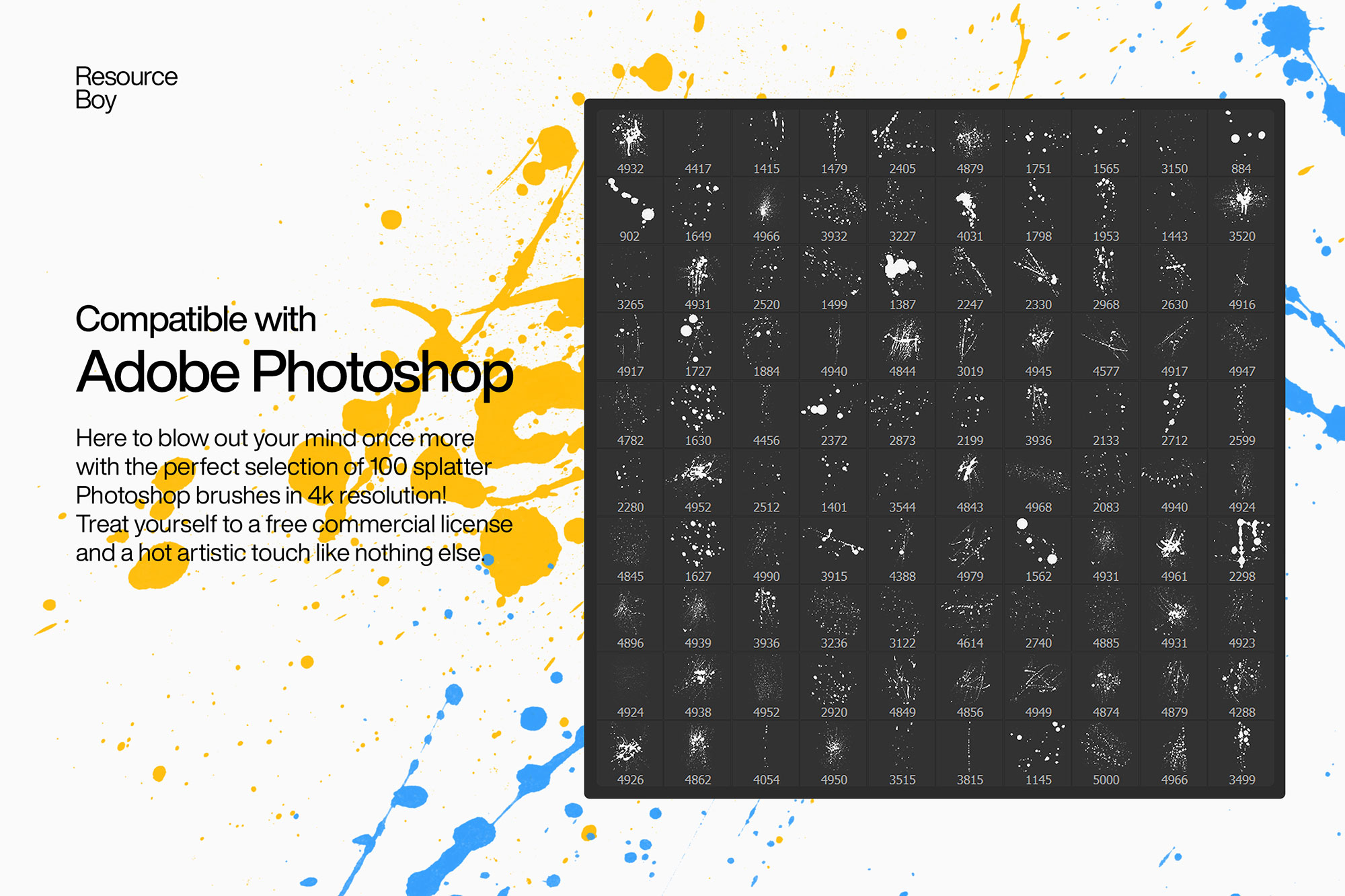
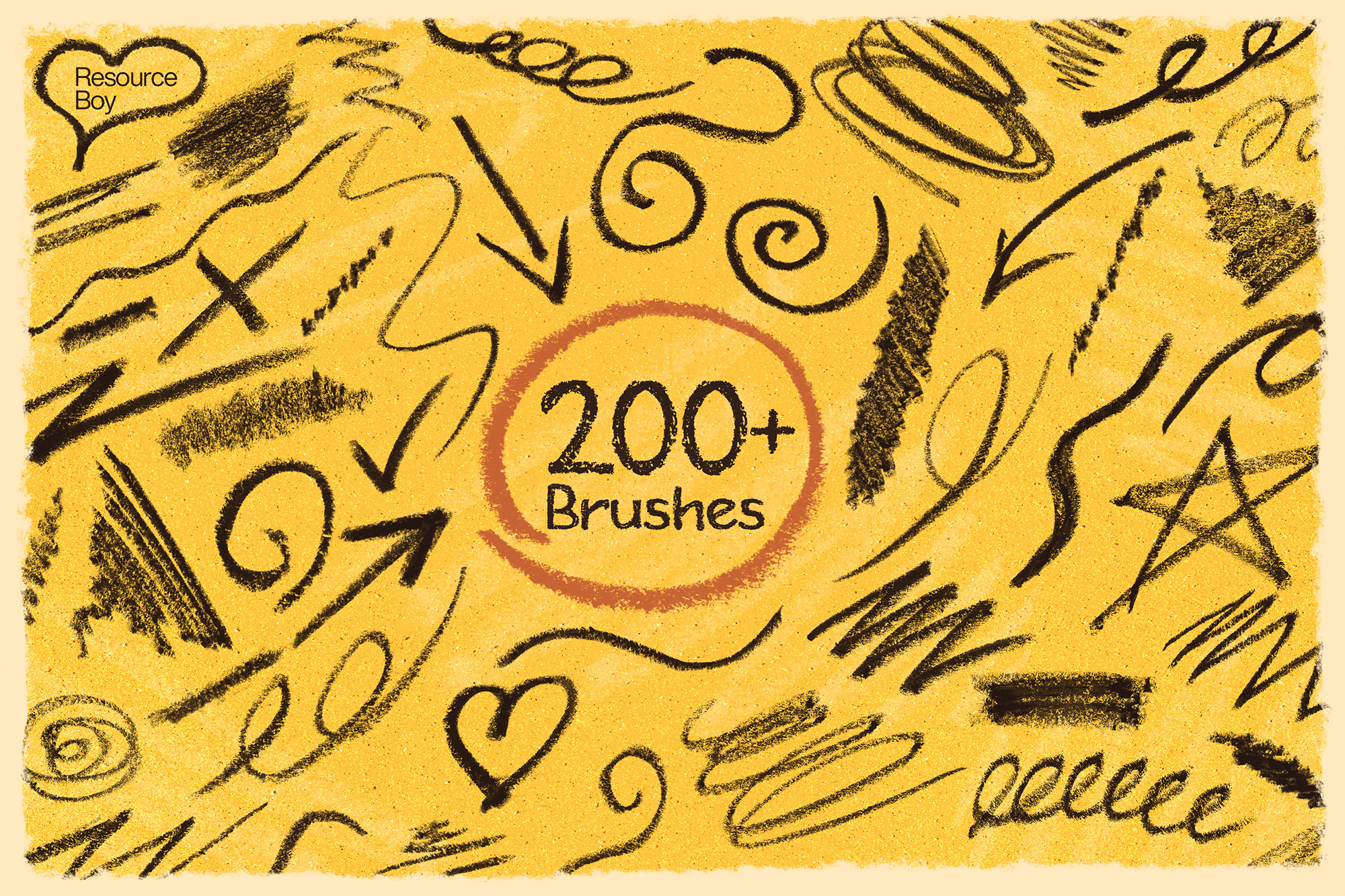
About Grunge Photoshop Brushes
Grunge Photoshop brushes bring a raw, distressed, and weathered look to your designs. These brushes simulate worn surfaces, torn edges, rust, peeling paint, and urban decay — perfect for anything that needs attitude and real texture. Designers reach for grunge brushes when working on band posters, skateboard graphics, streetwear apparel, edgy typography treatments, music festival visuals, and urban photography editing. The right grunge brush can age a design by decades, give clean vector art a hand-crafted roughness, or transform a photo into something that looks like it was printed on vintage newsprint.
Tips for Using Grunge Photoshop Brushes
- Apply grunge brushes on a separate layer set to Multiply mode over photos to add weathering and age without destroying the original
- Use white grunge brushes on dark backgrounds in Screen mode for a reversed, bleached-out effect
- Vary the brush rotation and size with each stroke — never stamp the same brush twice in the same position
- Combine grunge brushes with Hue/Saturation adjustments to shift the texture tone toward your color palette
- Lower opacity to 30–60% and stack 2–3 different grunge brushes for layered, complex distress
Frequently Asked Questions
What are grunge Photoshop brushes used for?
Grunge brushes are used to add distressed, worn, and dirty textures to designs. They are popular for band posters, streetwear graphics, music packaging, urban photography editing, and any project that needs a raw, gritty aesthetic.
Are the grunge brushes on this page free?
Yes — every grunge brush set listed here links to a free download on the source site. No purchase or registration is required to download them.
How do I make a design look worn with grunge brushes?
Place a grunge brush on a new layer above your design, set the blend mode to Multiply, and lower the opacity to 30–60%. Apply several different grunge brushes at varying sizes and angles for a convincingly aged, layered look.
Do grunge brushes work in Photoshop Elements?
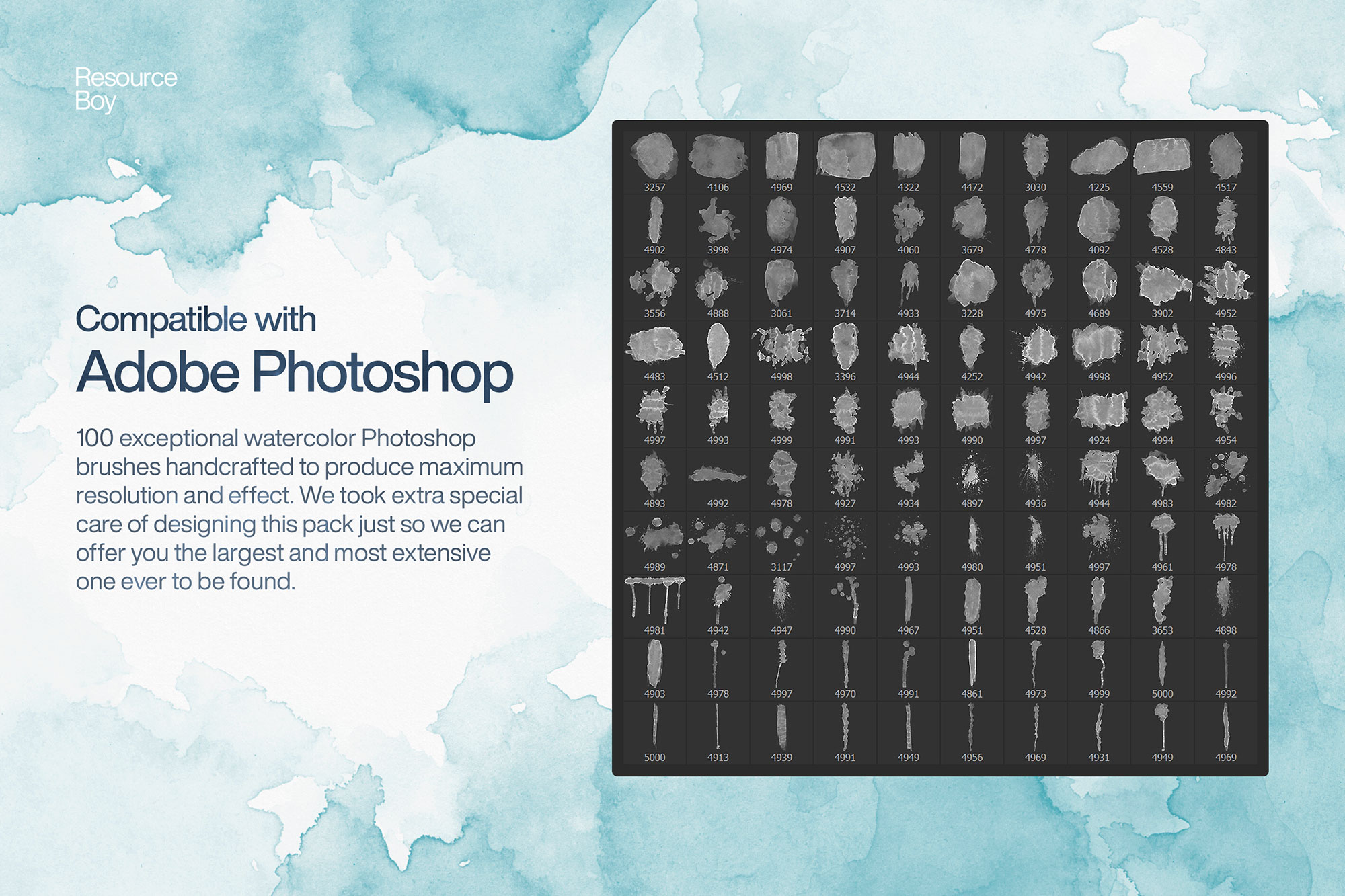
Most .ABR brush files are compatible with Photoshop Elements 11 and later. Some very large high-resolution brushes may load slowly, but the majority of grunge brush sets work without issues.