About This Brush Pack
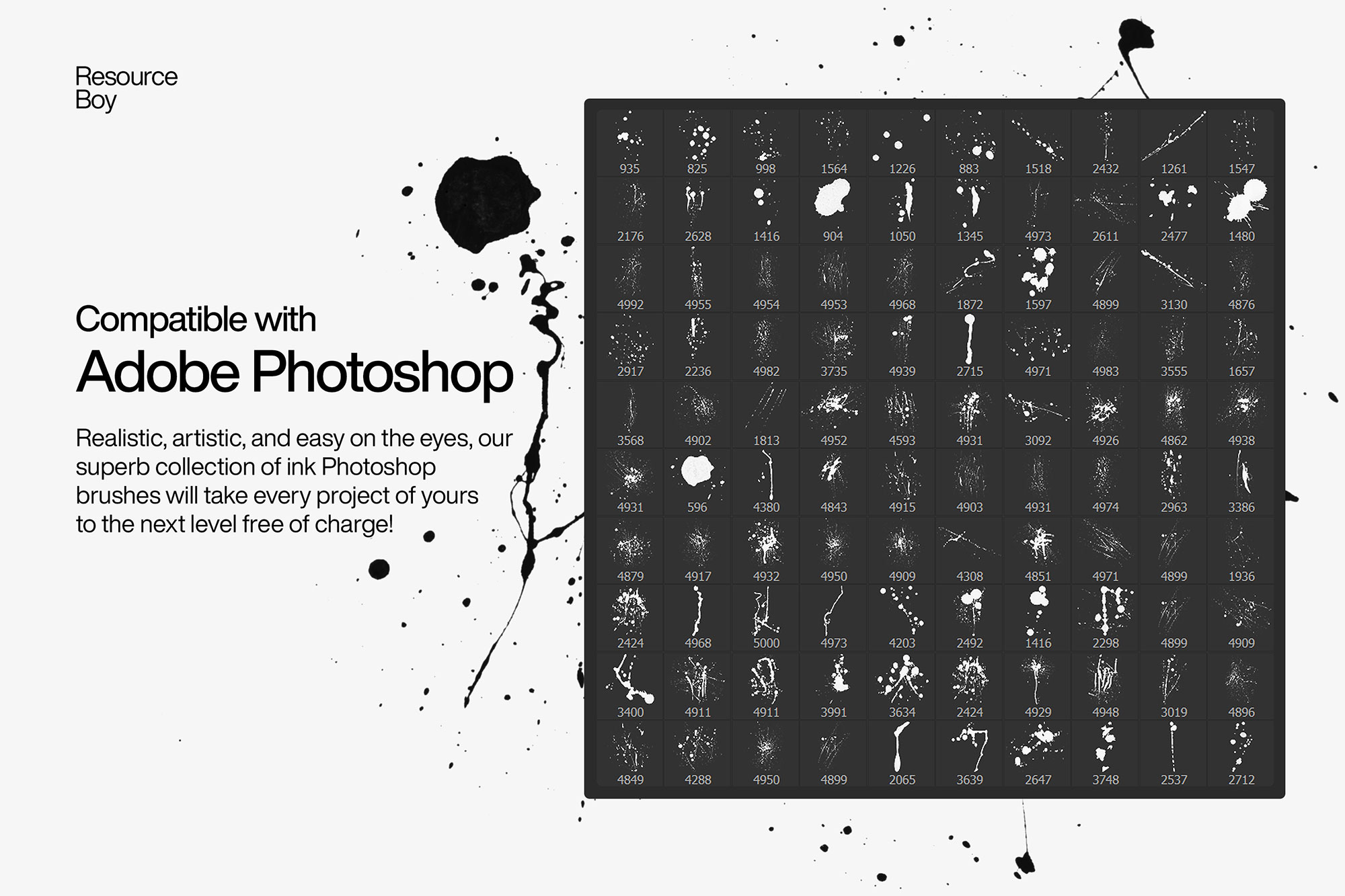
Hair is one of the most technically demanding elements to paint digitally, and braided and twisted hairstyles add an additional layer of structural complexity. This pack of 100+ hair brushes is specialized for braided, twisted, and loc'd hairstyles — a category of brushes that is underrepresented in most general hair brush sets. Each brush captures the characteristic strand interlacing and surface texture of different braid types: box braids, cornrows, Senegalese twists, rope twists, and natural locs. The brushes are designed to be painted in strokes following the natural direction of hair growth, with size jitter and shape dynamics enabled for organic, non-repetitive results. Essential for portrait illustrators and character designers who work with diverse hair types.
Best Uses for These Brushes
- ✓ Portrait illustration with diverse hair representation
- ✓ Character design for games and animation
- ✓ Fashion illustration and editorial art
- ✓ Children's book illustration
- ✓ Concept art and visual development
How to Install These Photoshop Brushes
- Download the file — Click the download button above to go to Behance and download the .ZIP file to your computer.
- Open Photoshop — Launch Photoshop (CS5 or later, including all CC versions).
- Import the brushes — Double-click the .ZIP file and Photoshop will import it automatically. Or go to the Brushes panel (Window › Brushes), click ☰, and choose "Import Brushes."
- Start creating — Select the Brush Tool (B), open the brush picker, and find your new brushes at the bottom of the list.
Tips for Better Results
- Always paint on a separate layer — never directly on your background. This lets you adjust blend mode, opacity, and position non-destructively.
- Experiment with blend modes like Multiply (for dark textures on light backgrounds), Screen (for light effects on dark), and Overlay (for midtone texture).
- Lower brush opacity to 20–50% and build up multiple strokes for more natural, layered results.
- Use Ctrl/Cmd + Z generously — with Photoshop brushes, experimentation is the fastest path to great results.
- A pressure-sensitive drawing tablet (like a Wacom) dramatically improves results with most brush types, giving you natural opacity and size variation.
Frequently Asked Questions
Is "Photoshop Hair Brushes – Braids & Twists" really free to download?
Yes — this brush pack is listed as free. The download button on this page links directly to the original source (Behance) where you can get the .ZIP file. License: Free for personal use.
What Photoshop version do I need to use these brushes?
These brushes are compatible with Photoshop CS5 and all later versions, including Photoshop CC 2024 and 2025. The .ABR format has been stable across Photoshop versions since CS5.
How do I install "Photoshop Hair Brushes – Braids & Twists" in Photoshop?
After downloading, double-click the .ABR file and Photoshop will automatically import the brushes. Alternatively, open the Brushes panel (Window > Brushes), click the menu icon (☰), choose "Import Brushes," and select your file. The brushes appear instantly in your preset picker.
Can I use these brushes in commercial projects?
License: Free for personal use. Always verify the license on the source page (Behance) before using brushes in client or commercial work, as terms can change.