
Vintage & Retro Photoshop Brushes
Aged, distressed, and vintage Photoshop brushes. Retro textures, old paper effects, and antique style decorative brushes.
Vintage and retro Photoshop brushes replicate the aged, handcrafted aesthetic of antique labels, letterpress printing, old photographs, and century-old signage. These brushes include distressed edges, aged paper grain, ornamental dividers, vintage badge frames, weathered halftone dots, and antique decorative flourishes. They are extensively used in artisan food and beverage branding, craft beer and spirits label design, coffee shop and bakery identity work, heritage brand redesigns, and any project that wants to evoke nostalgia, craftsmanship, and timelessness. The vintage aesthetic is consistently one of the most requested styles in commercial design.
About Vintage & Retro Photoshop Brushes
Vintage and retro Photoshop brushes replicate the aged, handcrafted aesthetic of antique labels, letterpress printing, old photographs, and century-old signage. These brushes include distressed edges, aged paper grain, ornamental dividers, vintage badge frames, weathered halftone dots, and antique decorative flourishes. They are extensively used in artisan food and beverage branding, craft beer and spirits label design, coffee shop and bakery identity work, heritage brand redesigns, and any project that wants to evoke nostalgia, craftsmanship, and timelessness. The vintage aesthetic is consistently one of the most requested styles in commercial design.
Tips for Using Vintage & Retro Photoshop Brushes
- Apply vintage distress brushes in Multiply mode over a warm aged paper background color (try #f5e6c8 or #e8d5b0)
- Limit your palette to 3–4 muted, slightly desaturated colors — oversaturated colors immediately break the vintage illusion
- Combine distress texture brushes with vintage ornament brushes on separate layers for complex, layered depth
- Add a very slight noise (Filter > Noise > Add Noise: 2–4%) to the entire design to tie all elements together with a unified grain
- Use a cream or off-white background rather than pure white — vintage printing never produced truly white results
Frequently Asked Questions
How do I make a design look vintage in Photoshop using brushes?
Use a warm cream or aged paper background (#f5e6c8) instead of white. Apply vintage distress brushes in Multiply mode at 40–60% opacity to add wear and age. Limit your palette to 3–4 muted, desaturated colors, and add a slight noise (2–4%) across the whole design to unify the vintage grain.
What design styles work best with vintage Photoshop brushes?
Vintage brushes work best for artisan food and drink branding, craft beer labels, coffee shop identity, heritage brand redesigns, antique badge and label design, retro typography treatments, and any project aiming to evoke nostalgia, craft, and timelessness.
Are there retro halftone brushes available in this category?
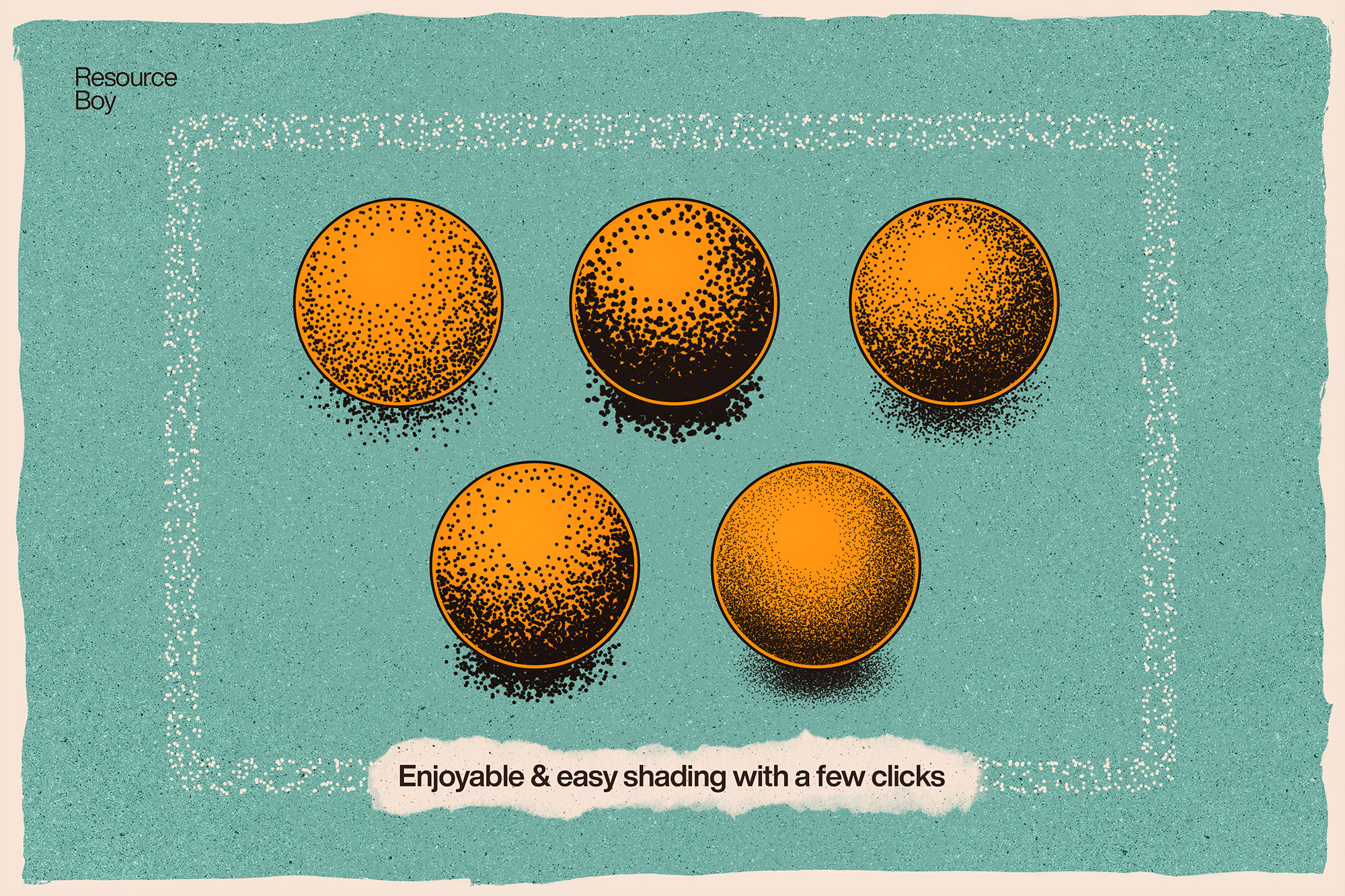
Yes — several vintage brush sets include retro halftone dot patterns, letterpress texture effects, and old print grain brushes that replicate the look of vintage offset and screen printing.
How do I age a photograph using vintage Photoshop brushes?
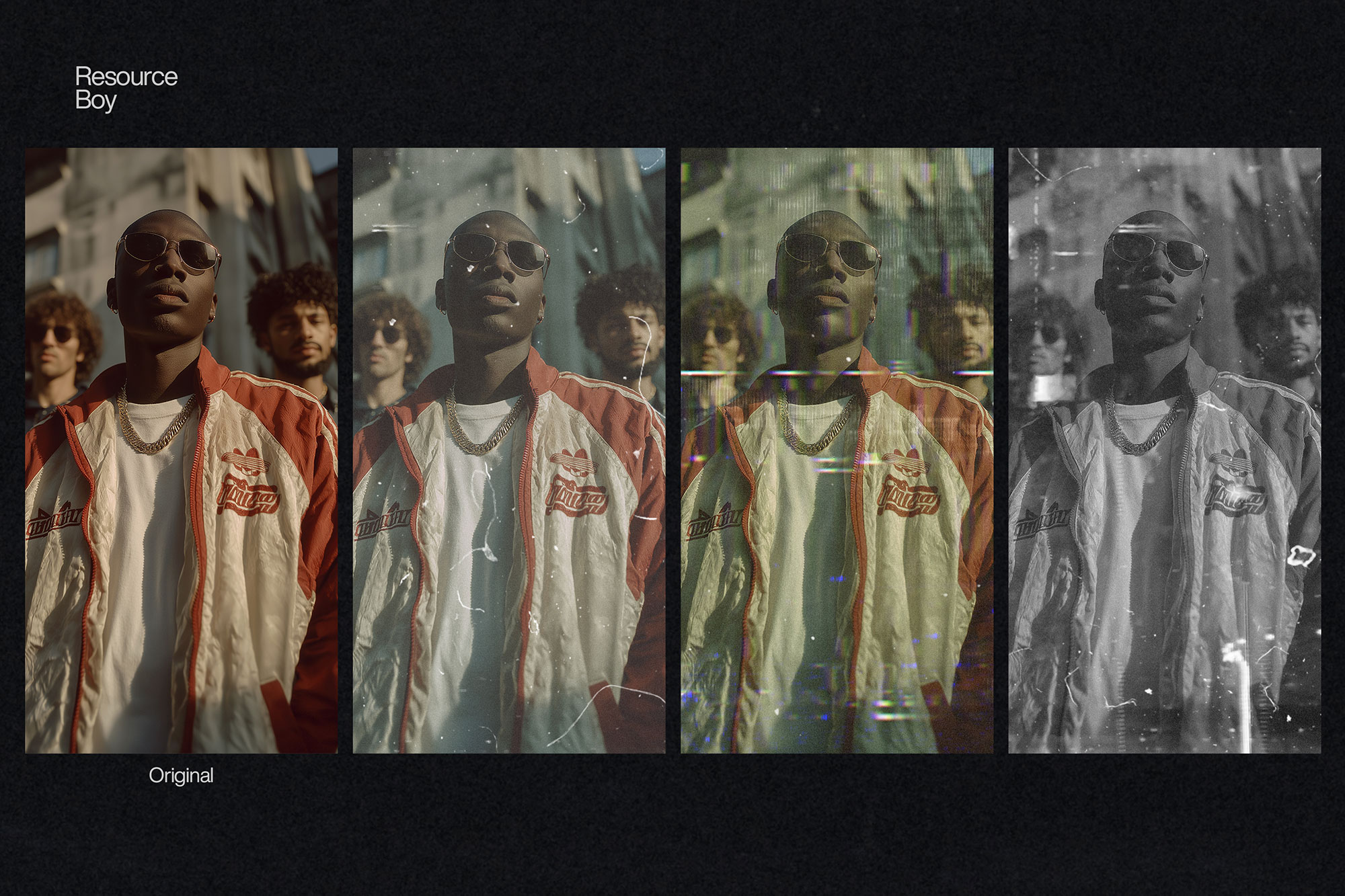
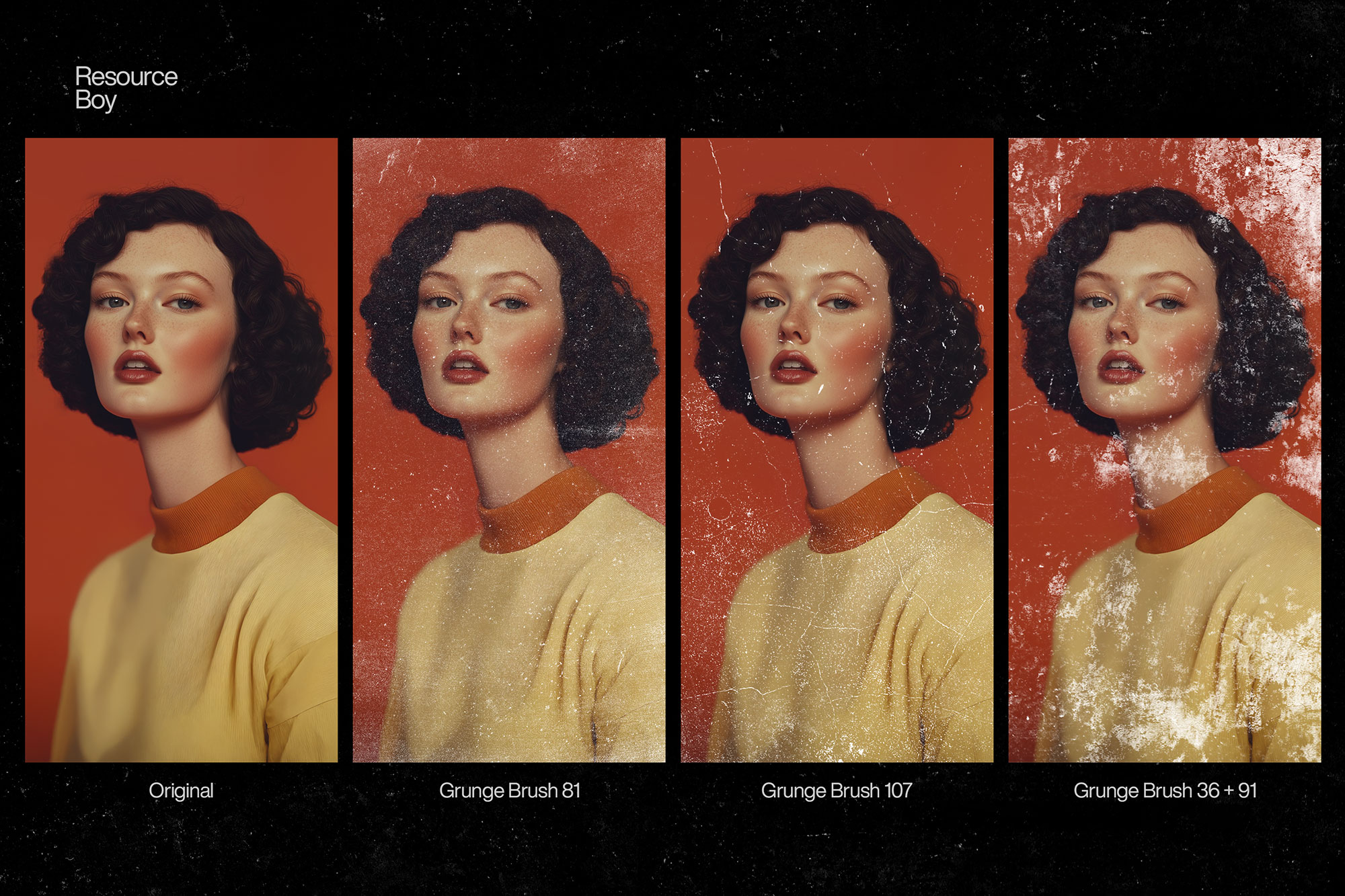
Desaturate the photo slightly, shift the tone to warm sepia using a Color Balance or Photo Filter adjustment, then apply vintage grain and scratch brushes in Multiply mode at low opacity. Add fold marks and edge vignetting for a convincingly aged photograph look.