
Chalk & Pencil Photoshop Brushes
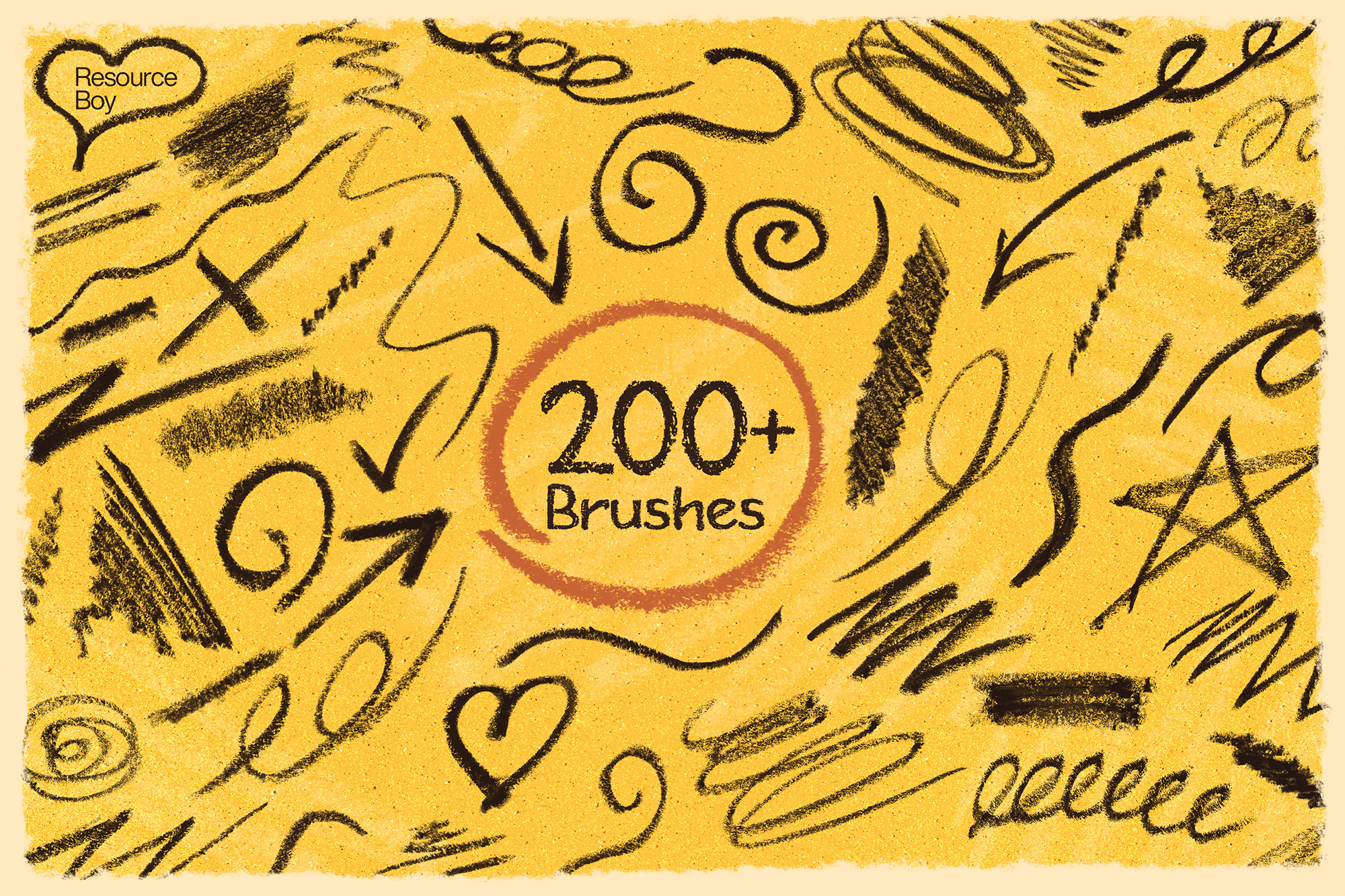
Chalk, pencil, and dry media Photoshop brushes. Realistic chalk drawing, blackboard textures, and dry brush effects for Photoshop.
Chalk and pencil brushes recreate the dry, powdery texture of traditional drawing media directly in Photoshop. These brushes are perfect for chalkboard-style café menus and signage, rustic hand-lettered graphics, vintage label art, educational illustration, and any project that wants a warmth and approachability that polished vector artwork can't match. Chalk brushes capture the characteristic skipping texture of chalk on a rough surface, while pencil brushes offer the fine line variation and graphite sheen of real pencil drawing. Together, they make up the core of any dry-media digital art workflow.

About Chalk & Pencil Photoshop Brushes
Chalk and pencil brushes recreate the dry, powdery texture of traditional drawing media directly in Photoshop. These brushes are perfect for chalkboard-style café menus and signage, rustic hand-lettered graphics, vintage label art, educational illustration, and any project that wants a warmth and approachability that polished vector artwork can't match. Chalk brushes capture the characteristic skipping texture of chalk on a rough surface, while pencil brushes offer the fine line variation and graphite sheen of real pencil drawing. Together, they make up the core of any dry-media digital art workflow.
Tips for Using Chalk & Pencil Photoshop Brushes
- Use chalk brushes on dark, textured backgrounds — a rough dark green or blackboard photograph gives the most authentic results
- Work with white or pale yellow to mimic real chalk on a blackboard surface
- Lower opacity and flow to 40–60% to let the background texture show through the chalk marks naturally
- Add a slight Gaussian Blur (0.3–0.5px) to your chalk work layer to soften harsh digital edges
- For pencil sketches, vary the layer opacity of multiple stroke layers to build up realistic graphite tone and value
Frequently Asked Questions
How do I create a chalkboard effect in Photoshop using chalk brushes?
Start with a dark green or black textured background (or use a photograph of a real blackboard). Paint your chalk brushes in white or pale yellow at 50–70% opacity with flow around 60%. The texture of the background shows through the brush strokes, giving you an authentic chalk-on-slate appearance.
Are chalk brushes good for hand-lettering in Photoshop?
Yes — chalk brushes are excellent for simulating hand-lettered chalkboard typography. Use a pressure-sensitive drawing tablet for the best results, as it replicates the natural weight variation you get with real chalk.
Can I use pencil brushes for sketching in Photoshop?
Absolutely. Pencil brushes in Photoshop replicate graphite line variation and texture, making them ideal for digital sketching. Paint multiple strokes at low opacity and build up tone gradually, just as you would with a real pencil.
What is the difference between chalk and pencil Photoshop brushes?
Chalk brushes simulate the powdery, soft texture of chalk on rough surfaces — great for bold marks and textured lettering. Pencil brushes replicate the fine, controlled line of a graphite pencil — better suited to detailed sketching, hatching, and technical illustration.