
Ink Photoshop Brushes
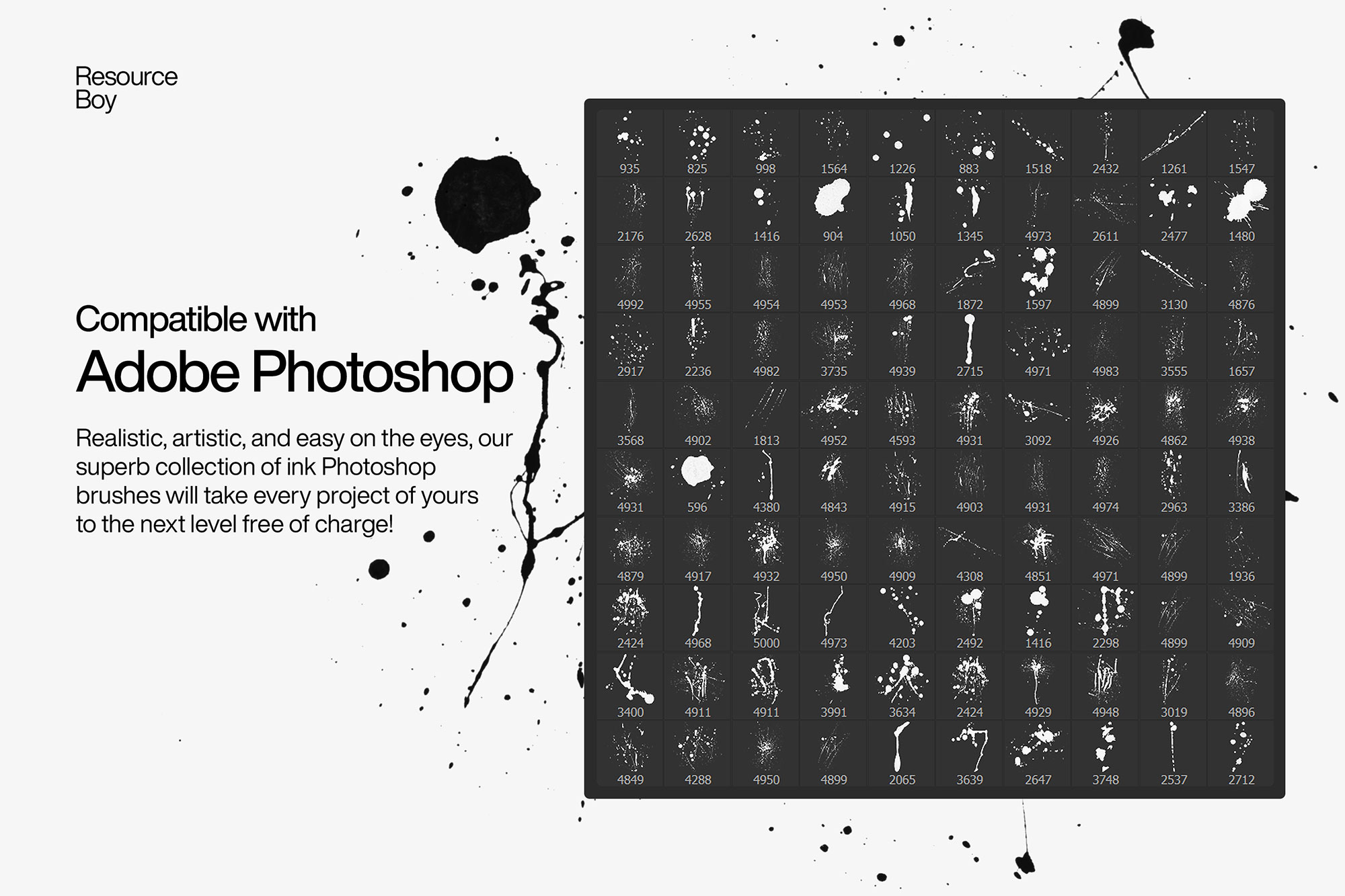
Japanese ink, calligraphy, and brush pen Photoshop brushes. Hand-drawn ink strokes and brush lettering effects.
Ink brushes in Photoshop simulate the beautiful variation in weight, flow, and texture of traditional ink tools — from fine quill pens and steel nibs to bamboo brushes and Japanese calligraphy tools. These brushes are essential for logo design with a handcrafted feel, tattoo flash design, brush lettering and typography, manga and comic illustration, Japanese-inspired fine art, and any project where organic line quality adds authenticity. The natural variation of ink brushes — thick to thin, wet to dry — makes every stroke feel genuinely hand-drawn in a way that vector tools simply cannot replicate.

About Ink Photoshop Brushes
Ink brushes in Photoshop simulate the beautiful variation in weight, flow, and texture of traditional ink tools — from fine quill pens and steel nibs to bamboo brushes and Japanese calligraphy tools. These brushes are essential for logo design with a handcrafted feel, tattoo flash design, brush lettering and typography, manga and comic illustration, Japanese-inspired fine art, and any project where organic line quality adds authenticity. The natural variation of ink brushes — thick to thin, wet to dry — makes every stroke feel genuinely hand-drawn in a way that vector tools simply cannot replicate.
Tips for Using Ink Photoshop Brushes
- Use pure black (#000000) for the most authentic ink look, or a very dark warm brown (#1a0a00) for aged manuscript effects
- Paint at 100% opacity for solid ink coverage, or 60–80% for a slightly diluted ink-wash feel
- Combine with Multiply blend mode over textured paper or parchment backgrounds for immediate depth
- For calligraphy and brush lettering, a drawing tablet is strongly recommended — pressure sensitivity transforms these brushes dramatically
- Layer multiple ink strokes on separate layers, varying opacity between layers, to build up the natural tonal variation of real ink
Frequently Asked Questions
Are ink brushes good for calligraphy in Photoshop?
Yes — ink and brush pen brushes are excellent for digital calligraphy. For the most natural results, use a pressure-sensitive drawing tablet. The brush tip varies between thick and thin based on pressure, replicating the feel of a real calligraphy pen or brush.
How do I create a Japanese ink painting effect in Photoshop?
Use black ink brushes at varying opacities (30–100%) on a white or off-white background. Paint bold strokes at full opacity and lighter wash areas at 15–30% opacity. Combine with a paper texture layer in Multiply mode for authentic sumi-e depth.
Can ink brushes be used for tattoo flash design?
Yes — ink brushes are widely used for tattoo flash illustration. Work in black on white, use clean bold strokes for outlines, and add lighter ink-wash fills at low opacity. The variable line weight of brush pen tools gives tattoo art its characteristic hand-drawn quality.
Do I need a drawing tablet to use ink brushes in Photoshop?
No, a drawing tablet is not required. You can use ink brushes with a mouse, though the line variation will be uniform. A tablet with pressure sensitivity unlocks the full potential of ink brushes by automatically varying line thickness and opacity.