
Texture Photoshop Brushes
High-resolution texture Photoshop brushes. Add realistic grain, paper, fabric, and surface textures to your Photoshop artwork.
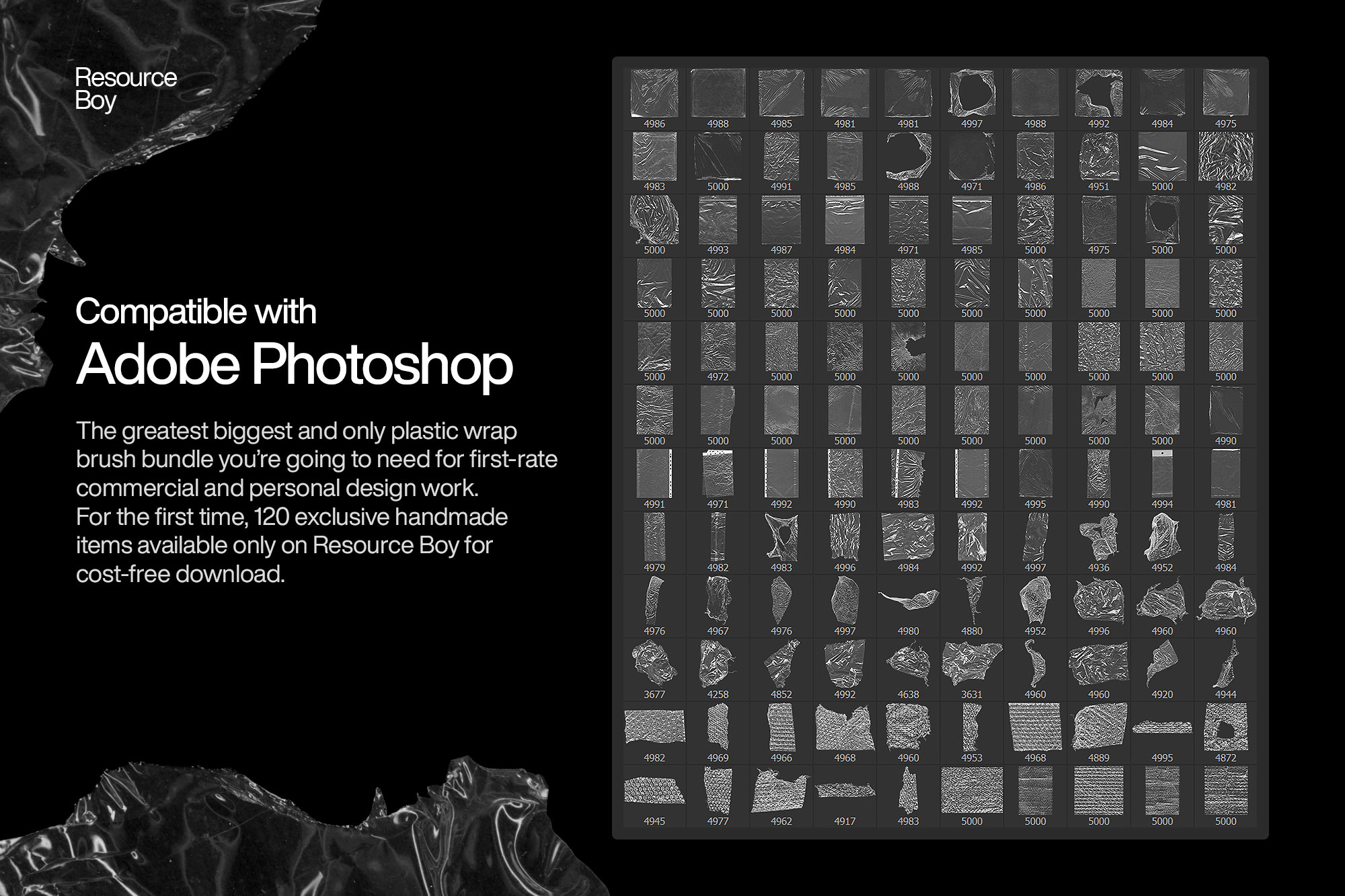
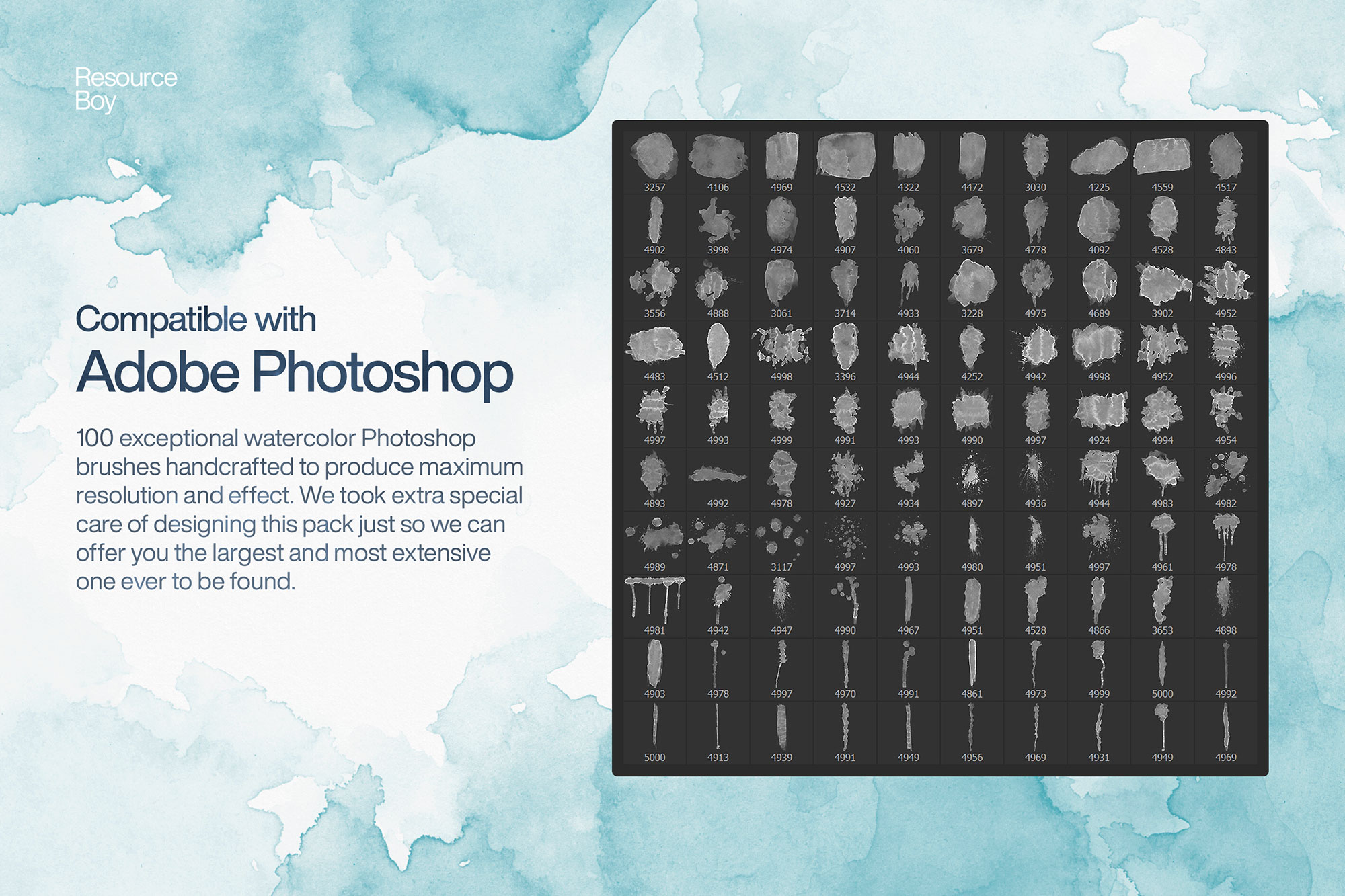
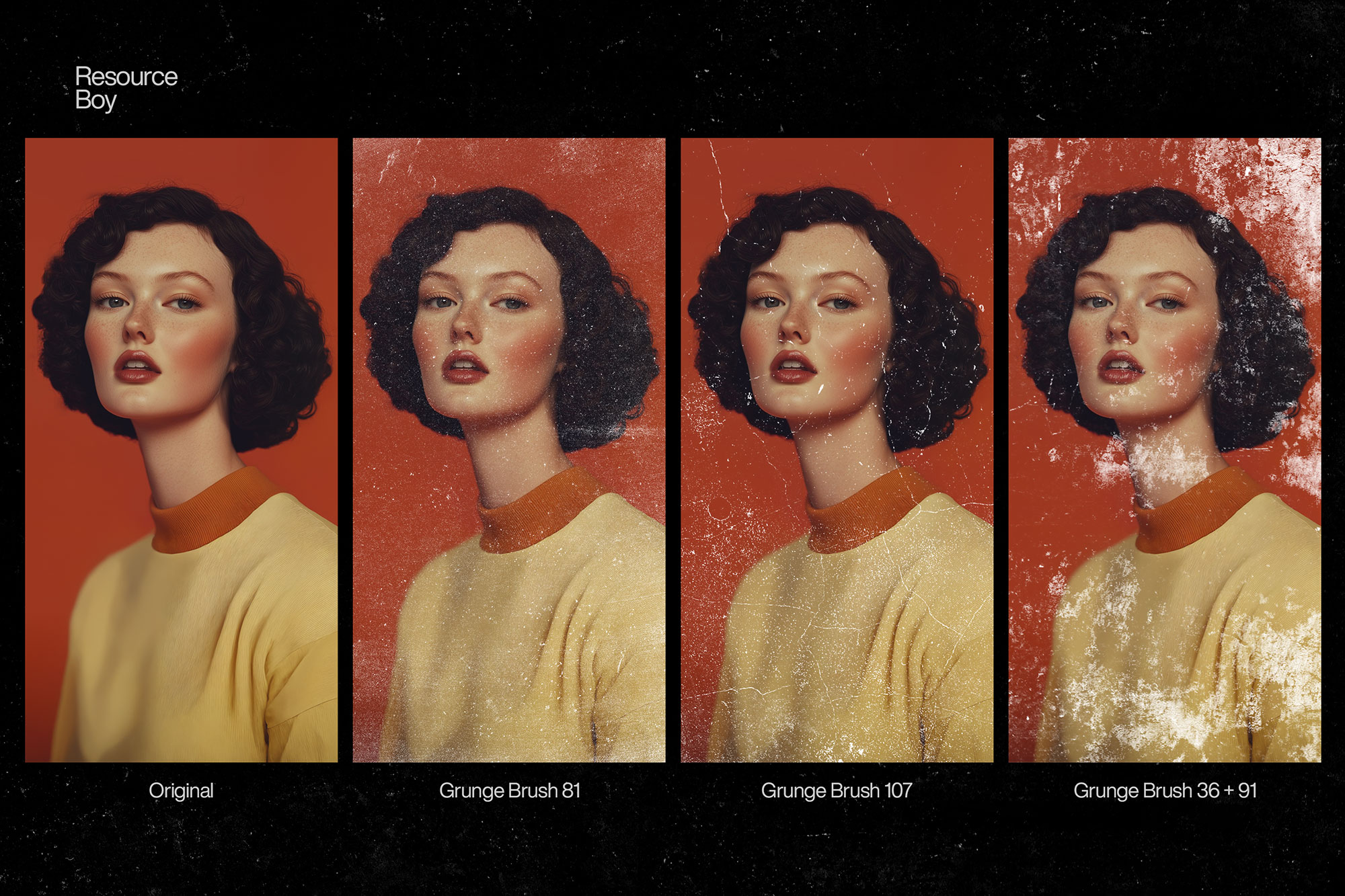
Texture brushes in Photoshop add tactile, physical qualities to digital artwork that plain fills and gradients can't achieve. From fine film grain and noise to coarse burlap, stone, concrete, and linen, texture brushes make designs feel grounded and real. They are essential tools for UI designers adding depth to interfaces, illustrators building surface variation into backgrounds, and photographers adding analog film character to digital images. A good texture brush set covers a wide range of surfaces — fine, coarse, directional, and organic — so you always have the right material feel at hand.
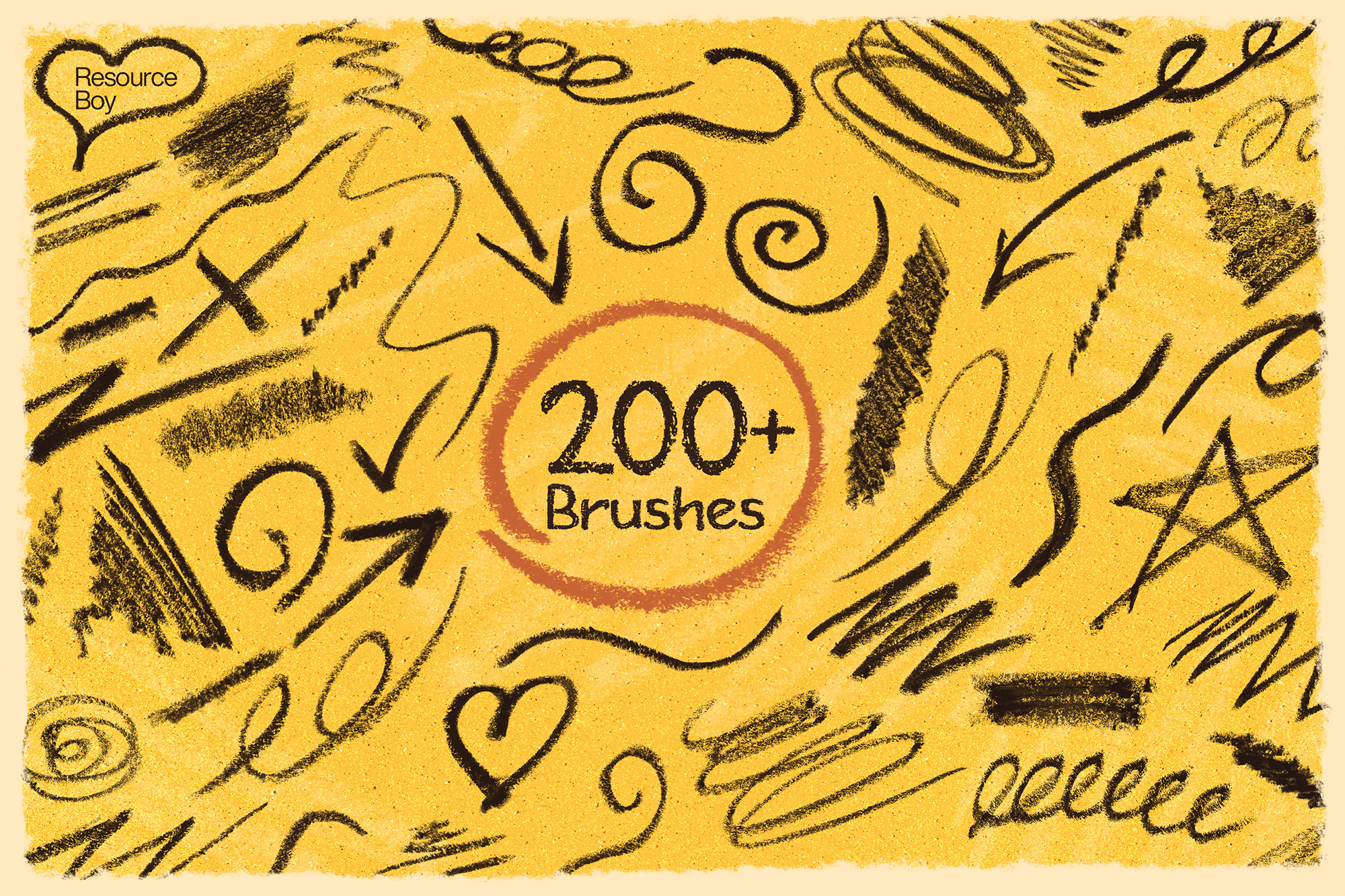
About Texture Photoshop Brushes
Texture brushes in Photoshop add tactile, physical qualities to digital artwork that plain fills and gradients can't achieve. From fine film grain and noise to coarse burlap, stone, concrete, and linen, texture brushes make designs feel grounded and real. They are essential tools for UI designers adding depth to interfaces, illustrators building surface variation into backgrounds, and photographers adding analog film character to digital images. A good texture brush set covers a wide range of surfaces — fine, coarse, directional, and organic — so you always have the right material feel at hand.
Tips for Using Texture Photoshop Brushes
- Apply texture brushes on a new layer in Overlay or Soft Light blend mode at 30–60% opacity for a subtle, non-destructive effect
- Scale large brush tips to cover entire backgrounds in a single stroke for efficient full-surface texturing
- Desaturate the texture layer (Ctrl/Cmd + Shift + U) for neutral grey grain that works with any color palette below
- Group multiple texture layers and use a Layer Mask to paint the texture only in specific areas
- Add a very slight Gaussian Blur (0.3–0.5px) to smooth out digital harshness and make textures feel more organic
Frequently Asked Questions
What types of textures are included in these Photoshop brush sets?
The texture brush sets on this page cover a wide range of surfaces including paper grain, fabric, concrete, stone, burlap, linen, leather, wood, and fine film grain. Each brush set focuses on a specific material type.
How do I add texture to an existing design using Photoshop brushes?
Create a new layer above your design. Paint the texture brush across the canvas, then set the layer blend mode to Overlay or Soft Light and lower the opacity to 30–60%. This adds texture without covering your artwork.
Can texture brushes be used on photos?
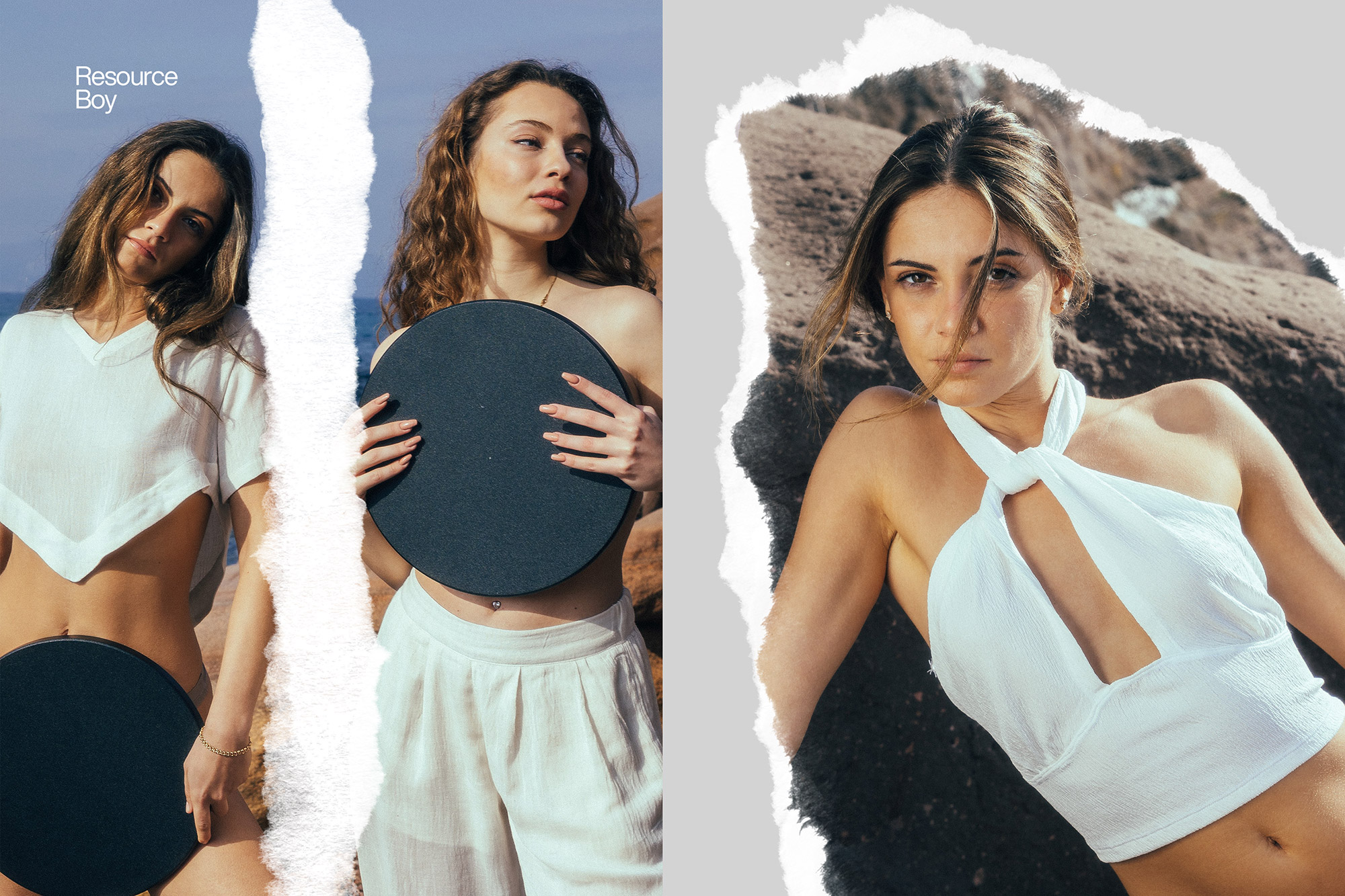
Yes — texture brushes are excellent for adding grain, paper feel, or surface character to photographs. Apply them on a separate layer above the photo in Overlay or Soft Light mode for a non-destructive result.
Are high-resolution texture brushes available for print work?
Yes — many texture brush sets are available at 2500px and above, making them suitable for print projects at standard resolutions. Check the brush set details on the source page for specific resolution information.